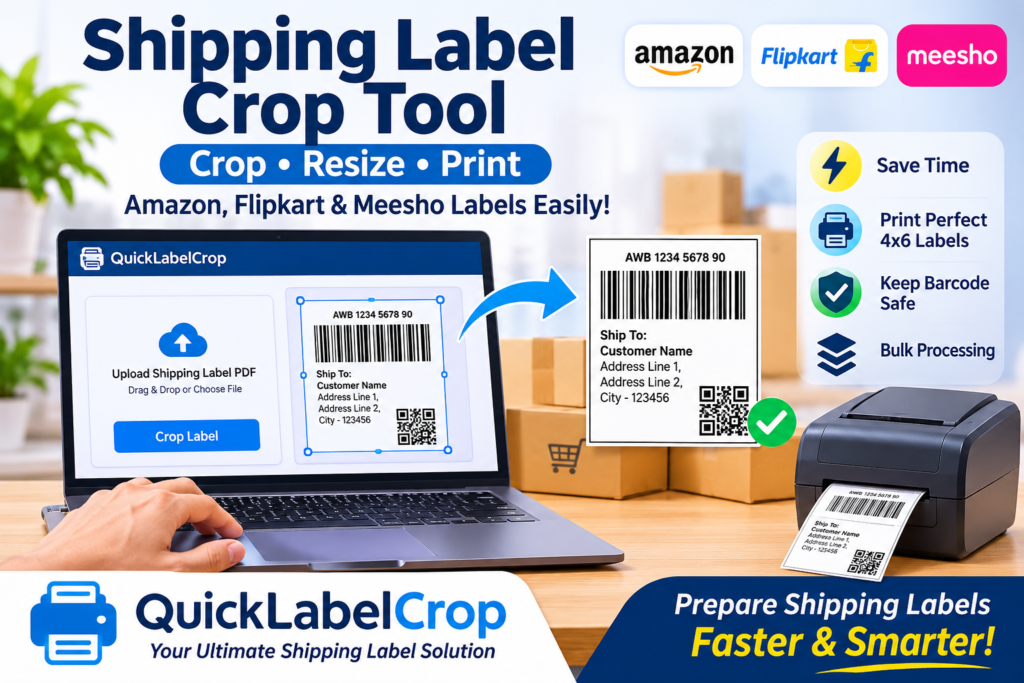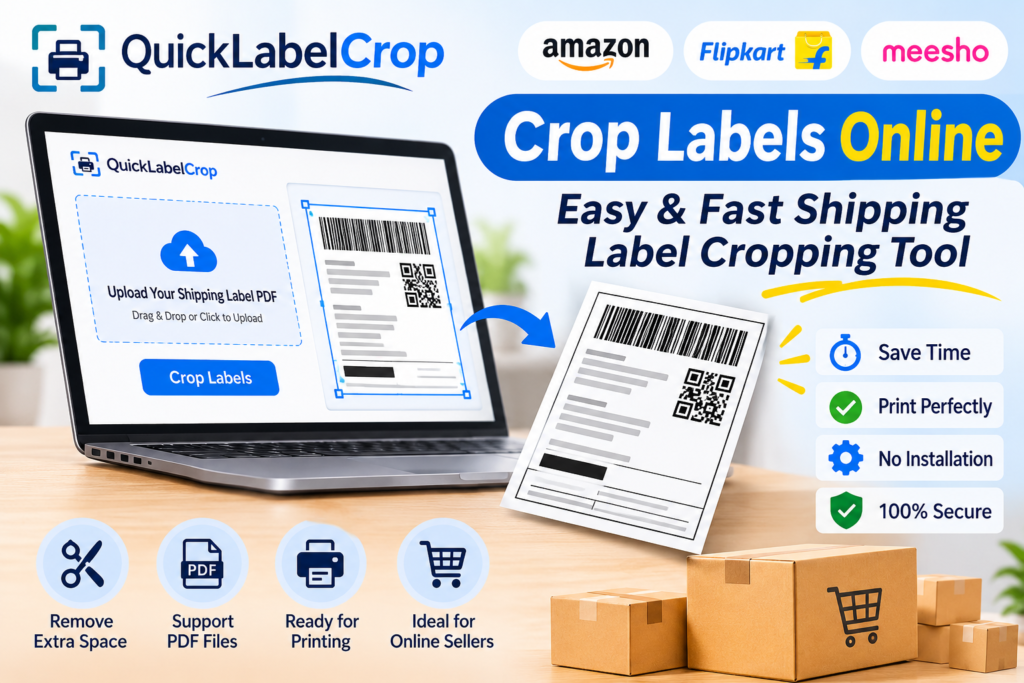
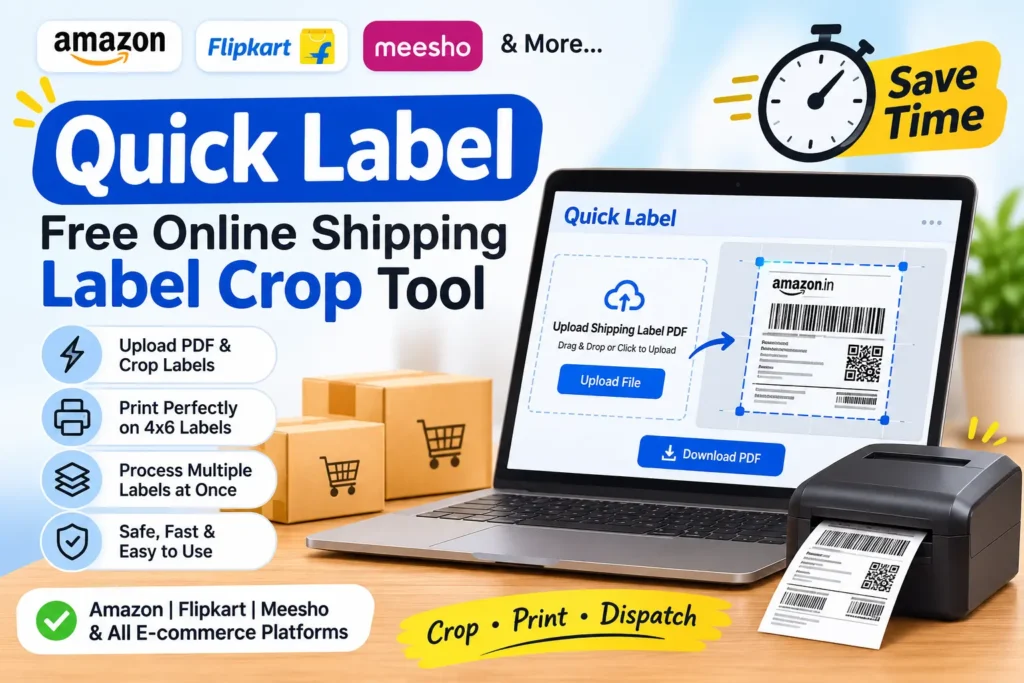
In today’s fast-growing e-commerce industry, online sellers receive multiple orders every day from marketplaces like Amazon, Flipkart, Meesho, Shopify, and other e-commerce platforms. Managing shipping labels for every order is an important part of the order processing and packaging workflow. Sellers need to download shipping label PDFs, organize them, crop unnecessary sections, and print the correct labels before dispatching their parcels.
Handling shipping labels manually can take a lot of time, especially when sellers process hundreds of orders daily. Opening PDF files, adjusting page sizes, cropping individual labels, and printing them separately can become a repetitive and time-consuming task. This is where a Quick Label tool becomes useful.
Quick Label is an online shipping label cropping solution designed to make label management easier, faster, and more convenient. It helps e-commerce sellers process shipping label PDFs without complicated software or advanced technical knowledge. Instead of manually editing every label, sellers can use an online tool to simplify their workflow and prepare labels for printing.
Whether you are a small online business owner, marketplace seller, warehouse operator, reseller, or professional e-commerce business, a quick label cropping solution can help improve your daily shipping operations.
What Is Quick Label?
Quick Label is an online tool concept that helps users crop, organize, and prepare shipping labels from PDF documents. It is particularly useful for e-commerce sellers who receive shipping labels from different marketplaces and need to print them in a convenient format.
Shipping label PDFs may contain multiple sections, unnecessary margins, extra information, or several labels arranged on a single page. Printing the entire document without making adjustments may waste paper, increase printing time, and create difficulties during packaging.
A quick label tool helps simplify this process by allowing users to upload their shipping label PDF and process the document according to the available cropping options.
The main purpose of a quick label tool is to reduce manual work and make shipping label preparation more efficient.
It can be useful for:
-
Amazon shipping labels
-
Flipkart shipping labels
-
Meesho shipping labels
-
Shopify order labels
-
Courier shipping labels
-
E-commerce marketplace labels
-
Bulk shipping label PDFs
-
Thermal printer label preparation
Using an online label cropping solution can make everyday order processing more organized and convenient.
Why Do Online Sellers Need a Quick Label Tool?
E-commerce sellers often manage multiple orders simultaneously. Every order requires proper packaging, shipping information, barcode scanning, and courier identification.
When sellers receive large PDF files containing multiple shipping labels, preparing them manually can create unnecessary work.
For example, imagine a seller receives 100 orders in one day. If every shipping label needs to be opened, cropped, adjusted, and printed separately, the process can consume valuable time.
A quick label tool helps reduce these repetitive steps.
Here are some important reasons why online sellers may need a quick label solution.
Save Time on Daily Shipping Work
Time management is important for every online business. Sellers need to manage product inventory, customer orders, packaging, invoices, and dispatch activities.
Manually cropping every shipping label increases the workload.
A quick label tool can simplify PDF processing and help sellers prepare multiple labels more efficiently. Instead of editing every page individually, users can use the available automated cropping features.
This can help businesses spend less time on repetitive document preparation.
Reduce Manual PDF Editing
Editing shipping labels manually often requires PDF editing software. Users may need to select pages, adjust cropping areas, remove unwanted margins, and save the modified document.
These steps can become difficult for beginners.
An online quick label tool offers a more convenient alternative. Users can upload their PDF and use the supported processing options without learning complicated editing software.
Improve Printing Convenience
Printing shipping labels in the correct format is important for smooth order dispatch.
Many e-commerce sellers use thermal printers for printing shipping labels. These printers are commonly used with label formats such as 4×6 inches.
A quick label cropping solution can help prepare supported PDF files for the required printing workflow.
Properly prepared labels can make packaging and courier handover easier.
Handle Multiple Orders
Managing a few shipping labels is relatively simple. However, processing hundreds of orders can become challenging.
Bulk PDF processing features, when supported by the tool, can help users handle multiple labels together.
This is especially useful for:
-
Small e-commerce businesses
-
Growing online stores
-
Wholesale sellers
-
Marketplace resellers
-
Warehouse teams
-
High-volume order processing businesses
Make the Workflow Beginner-Friendly
Not every seller has technical knowledge of PDF editing or document formatting.
A simple online interface makes the process easier for new sellers. Users should be able to understand the basic steps, upload a file, select suitable options, process the document, and download the result.
A user-friendly quick label solution can help make shipping label preparation accessible to more businesses.
How Does a Quick Label Tool Work?
An online shipping label cropping tool generally follows a simple process. Although the exact options may vary depending on the platform, the overall workflow is easy to understand.
Upload Your Shipping Label PDF
The first step is to open the quick label tool in your web browser.
Choose the shipping label PDF downloaded from your e-commerce marketplace or courier platform.
Make sure that the document is complete and contains the correct shipping information.
Most online label processing tools provide an upload option that allows users to select PDF files from their computers.
Select the Required Cropping Options
After uploading the document, choose the available processing settings.
Depending on the tool, these options may include:
-
Page cropping
-
Label size adjustment
-
PDF processing
-
Multiple-page handling
-
Printing layout selection
-
Barcode preservation
Always select settings that match your shipping label format and printer requirements.
Process the Shipping Labels
Once the PDF is uploaded and the required settings are selected, start the processing operation.
The tool analyzes the document and applies the selected cropping or formatting operations.
Processing time can depend on the PDF file size, number of pages, and complexity of the document.
Preview the Processed Labels
Before printing, check the processed PDF carefully.
Make sure that important information is visible, including:
-
Customer name
-
Delivery address
-
Order details
-
Tracking number
-
Shipping barcode
-
Courier information
A clear and correctly formatted shipping label helps avoid printing and scanning problems.
Download the Final PDF
After processing, download the prepared shipping label PDF to your computer.
Save the document in an organized folder so that it is easy to find during packaging and dispatch.
Print Your Shipping Labels
Open the downloaded PDF and select your printer.
If you are using a 4×6 thermal printer, verify the paper size and print settings before starting the printing process.
Make sure the barcode and shipping details are not cut off.
Your labels are now ready to be attached to the corresponding parcels.
Quick Label for Amazon Sellers
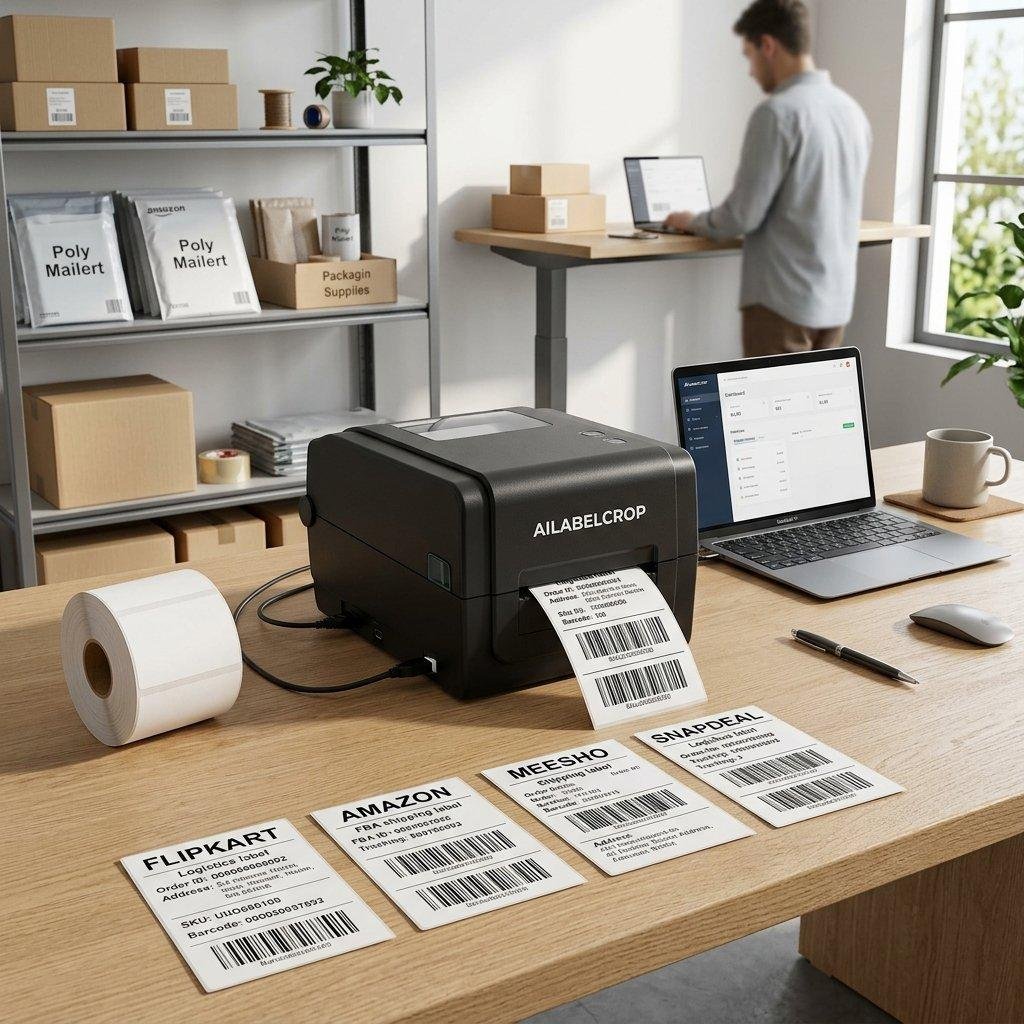
Amazon sellers handle shipping labels for customer orders every day. Depending on the shipping workflow, sellers may receive PDF documents containing important order and courier information.
Preparing these labels correctly is essential for smooth packaging and dispatch.
A quick label cropping tool can help Amazon sellers simplify PDF preparation and organize their shipping documents.
Important benefits include:
-
Easier shipping label PDF preparation.
-
Convenient handling of multiple-page documents.
-
Reduced manual cropping work.
-
Better printing organization.
-
Support for suitable thermal printer workflows.
-
More convenient daily order processing.
Amazon sellers should always verify that the processed label retains all marketplace-required information before printing.
Quick Label for Flipkart Sellers

Flipkart is a popular e-commerce marketplace where sellers manage customer orders, packaging, and shipping operations.
When orders increase, downloading and preparing shipping labels becomes an important part of daily business activities.
A quick label solution can help Flipkart sellers prepare shipping label PDFs more conveniently.
Instead of manually editing every document, sellers can use available cropping features to simplify their label preparation process.
This can be particularly helpful for sellers who process bulk orders and use thermal printers.
Before printing, sellers should confirm that the barcode, tracking details, and delivery address are clearly visible.
Quick Label for Meesho Sellers
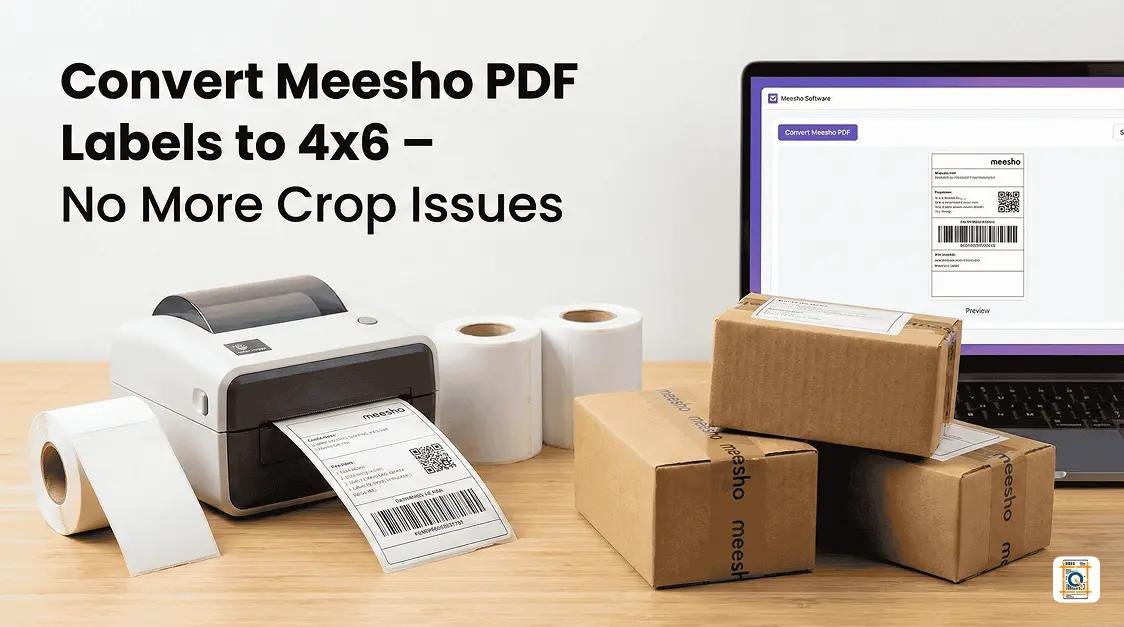
Meesho sellers often manage multiple customer orders and shipping documents.
When several orders are received together, preparing individual shipping labels manually can take additional time.
A quick label tool can make the process more convenient by helping sellers process supported PDF files and prepare labels for printing.
Meesho sellers can benefit from:
-
Simple PDF uploading.
-
Convenient label preparation.
-
Reduced repetitive document editing.
-
Better shipping document organization.
-
Easier printing preparation.
-
More efficient packaging activities.
For sellers who process orders regularly, an organized label preparation workflow can improve daily productivity.
Quick Label for 4×6 Thermal Printers
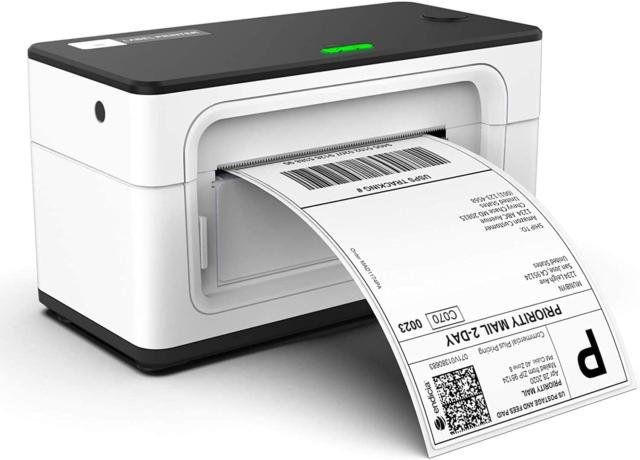
Thermal printers are widely used in e-commerce businesses because they provide convenient printing without requiring traditional ink cartridges.
The 4×6-inch label format is commonly used for shipping and courier labels.
However, some PDF documents may not be arranged in the correct format for a particular printer. This can result in unwanted margins, incorrect sizing, or partially printed information.
A quick label cropping solution can help prepare compatible documents for 4×6-inch printing.
Before printing, consider the following points:
Check the paper size: Select the correct 4×6-inch paper setting when supported by your printer.
Check the barcode: Make sure the barcode is complete and clearly visible.
Check the margins: Avoid unnecessary white spaces where possible.
Check the scaling: Select suitable scaling options to prevent important information from being cut off.
Print a test label: Test the output before printing a large batch.
Correct printer settings help reduce paper wastage and improve label readability.
Important Features of a Good Quick Label Tool
A useful shipping label cropping tool should offer simple and practical features that make document processing easier.
Easy PDF Upload
The upload process should be simple and straightforward. Users should be able to select PDF files directly from their devices without complicated steps.
Automatic Label Cropping
Automatic cropping can reduce manual editing work by identifying and processing supported label layouts.
The effectiveness of this feature depends on the structure of the uploaded PDF.
Bulk Label Processing
Bulk processing is useful for sellers who receive many orders every day.
Instead of handling each document separately, users can process multiple labels together when the tool supports batch operations.
4×6 Label Support
Compatibility with common thermal printer sizes is an important feature for e-commerce businesses.
A good tool should make it easy to prepare supported shipping documents for 4×6-inch printing.
Barcode Protection
Shipping barcodes contain important tracking information.
A reliable cropping workflow should preserve the complete barcode and avoid cutting off important barcode sections.
PDF Download
After processing, users should be able to download the final document conveniently.
The downloaded file should be easy to save, open, and print.
Simple User Interface
A clean interface makes the tool easier to use.
Users should be able to identify the upload button, processing settings, and download option without confusion.
Browser-Based Access
An online tool can be convenient because users do not need to install a separate desktop application.
They can access the supported functionality through a compatible web browser.
Benefits of Using an Online Quick Label Cropper
An online label cropper can offer several advantages for e-commerce sellers.
Convenient access: Users can access the tool through a web browser.
Less manual work: Automated processing can reduce repetitive PDF editing.
Better organization: Processed shipping documents can be saved and arranged more conveniently.
Printing flexibility: Suitable cropping and layout options can help prepare labels for different printing workflows.
Beginner-friendly: Simple instructions make the process easier for new sellers.
Time management: Faster document preparation can help sellers focus on packaging, inventory, and order management.
Business productivity: An organized workflow can make daily shipping activities more manageable.
These advantages depend on the tool’s actual features, file compatibility, and processing capabilities.
Quick Label vs Manual Shipping Label Cropping
Many sellers still use traditional PDF editing methods to prepare shipping labels. While manual editing can work, it may require additional steps.
| Comparison | Manual PDF Editing | Quick Label Tool |
|---|---|---|
| File uploading | Software-based | Online upload |
| Cropping | Manual selection | Available cropping options |
| Multiple labels | Repetitive work | Bulk processing if supported |
| Technical knowledge | May be required | Beginner-friendly workflow |
| Printing preparation | Manual adjustments | Supported layout settings |
| Accessibility | Depends on installed software | Browser-based access |
The main difference is convenience. A dedicated online tool can simplify the workflow by bringing supported label preparation features together in one place.
How to Choose the Right Quick Label Tool
Before selecting a shipping label cropping solution, sellers should consider their daily business requirements.
Check Marketplace Compatibility
Make sure the tool supports the shipping label PDF formats you regularly receive.
If you sell on Amazon, Flipkart, and Meesho, look for a solution that can handle your marketplace documents.
Check Thermal Printer Compatibility
If you use a thermal printer, verify whether the tool supports your required label dimensions.
The 4×6-inch format is commonly used by online sellers.
Look for Bulk Processing
If your business receives many orders, bulk processing can be an important feature.
Check the supported file size, page limits, and number of documents that can be processed.
Verify Barcode Quality
A shipping label is useful only when the important information remains readable.
Always inspect the final document before printing.
Check Data Privacy
Shipping labels may contain personal customer information, including names, phone numbers, and delivery addresses.
Choose a tool with clear privacy practices and secure file-handling procedures.
Avoid sharing shipping PDFs through public links or with unauthorized people.
Choose a Simple Interface
A complicated tool can create additional work.
Look for a solution with clear instructions, easy uploading, and a straightforward download process.
Common Problems While Cropping Shipping Labels
Sometimes users experience problems while preparing shipping label PDFs. Understanding these issues can help prevent mistakes.
Shipping Label Is Getting Cut Off
This problem may occur when the cropping area is too small or the page dimensions are incorrect.
Solution: Check the selected cropping settings and preview the processed PDF before printing.
Barcode Is Not Fully Visible
If the cropping area removes part of the barcode, the courier scanner may have difficulty reading it.
Solution: Make sure the complete barcode remains visible in the final PDF.
Incorrect Printing Size
A document may print incorrectly when the PDF page size and printer paper settings do not match.
Solution: Verify the printer’s paper size and scaling settings.
PDF Is Not Uploading
Large files, unsupported PDFs, or damaged documents may cause upload problems.
Solution: Check your internet connection, verify that the PDF opens correctly, and try uploading the file again.
Multiple Labels Are Not Processing Correctly
Different marketplaces may generate PDFs with different layouts.
Solution: Check whether the tool supports the uploaded document format and select the correct processing options.
Tips to Manage Shipping Labels Efficiently
A good shipping workflow can help sellers save time and reduce unnecessary mistakes.
Here are some useful tips for better shipping label management.
-
Download shipping labels regularly instead of allowing too many files to accumulate.
-
Organize documents according to marketplace and dispatch date.
-
Use descriptive file names to identify different PDF documents.
-
Process compatible labels together when bulk processing is available.
-
Verify the barcode and tracking number before printing.
-
Use the correct thermal printer settings.
-
Keep your printer and label rolls ready before starting bulk printing.
-
Match every printed label with the correct parcel.
-
Store processed PDFs securely.
-
Check the final printed label before handing over the parcel to the courier.
Following these practices can make order fulfillment more systematic.
Who Can Use Quick Label?
A quick label cropping solution can be useful for different types of businesses and individuals.
Amazon Sellers: Sellers who regularly process marketplace shipping labels.
Flipkart Sellers: Businesses that need to prepare shipping PDFs for daily dispatch.
Meesho Sellers: Online resellers and small businesses managing multiple customer orders.
Shopify Store Owners: Independent online store owners who need convenient shipping document preparation.
Wholesale Businesses: Businesses that manage large numbers of parcels and shipping documents.
Small Business Owners: Beginners who want a simple way to prepare shipping labels.
Warehouse Operators: Teams responsible for packaging, dispatch, and shipping documentation.
Regardless of business size, an organized shipping label workflow can make daily operations easier.
Why Quick Label Cropping Is Important for Growing E-Commerce Businesses
The growth of online marketplaces has increased the importance of efficient order fulfillment.
Customers expect their products to be delivered correctly and on time. Sellers must coordinate inventory, packaging, shipping documentation, and courier pickups.
When the number of orders increases, small manual tasks can create larger operational challenges.
Shipping label preparation is one such task.
A dedicated quick label tool can help reduce unnecessary document editing and simplify the preparation process.
For a growing business, saving a few minutes on every batch of shipping labels can make a meaningful difference over time.
Instead of spending extra time adjusting PDFs, sellers can focus more on product quality, customer service, inventory management, and business growth.
An efficient shipping process also helps warehouse teams maintain better organization during busy sales periods and promotional campaigns.
Frequently Asked Questions About Quick Label
What is Quick Label?
Quick Label is an online shipping label preparation and cropping solution that helps users process supported PDF shipping documents for convenient printing.
Is Quick Label useful for e-commerce sellers?
Yes. It can help online sellers simplify shipping label preparation and reduce repetitive manual PDF editing.
Can I use Quick Label for Amazon shipping labels?
You can use it for Amazon shipping label PDFs if the tool supports the document format and layout.
Can I use Quick Label for Flipkart?
Yes, if the tool supports the Flipkart shipping label PDF format.
Can I use Quick Label for Meesho?
It can be used for Meesho shipping label PDFs when the document format is supported.
Does Quick Label support 4×6 thermal printers?
A compatible label cropping tool can prepare supported documents for 4×6-inch thermal printing. Check the available settings before processing.
Can I crop multiple shipping labels together?
Some label cropping tools provide bulk processing features. The number of supported pages and files depends on the platform.
Do I need to install software?
Browser-based label cropping tools generally do not require separate desktop software installation.
Why should I crop shipping labels before printing?
Cropping can remove unnecessary page areas and help prepare labels in a suitable layout for printing.
Is barcode preservation important?
Yes. Shipping barcodes contain tracking information and should remain complete and readable after processing.
Can beginners use a quick label tool?
Yes. A tool with a simple upload, processing, and download workflow can be suitable for beginners.
What should I check before printing?
Always verify the delivery address, tracking number, barcode, page dimensions, and printer settings before printing.
Conclusion
Quick Label is a useful solution concept for simplifying shipping label preparation in the growing e-commerce industry. Online sellers regularly work with PDF shipping documents from Amazon, Flipkart, Meesho, and other platforms. Preparing these documents manually can consume time and create unnecessary complications.
An online quick label cropping tool can help make the process more convenient through PDF uploading, cropping options, supported bulk processing, and printing preparation.
Whether you operate a small online store or manage a growing e-commerce business, an organized shipping label workflow can improve productivity and make daily order fulfillment easier.
By using suitable cropping settings, checking barcode visibility, and selecting the correct printer dimensions, sellers can prepare shipping labels more efficiently.
Choose a simple and convenient quick label solution to make your everyday shipping label preparation faster and more organized.