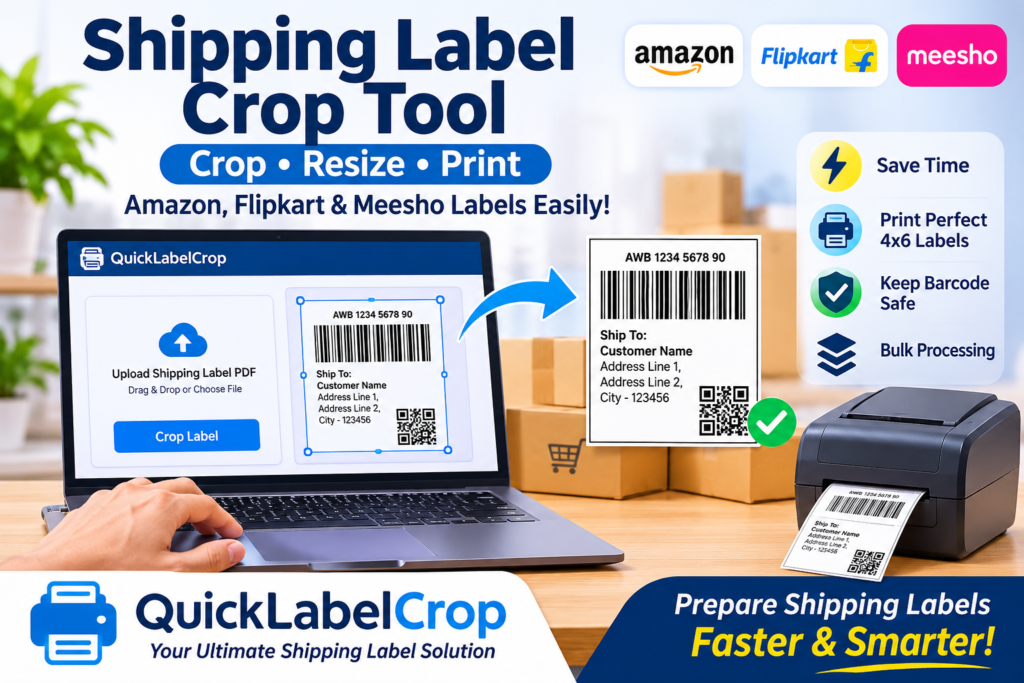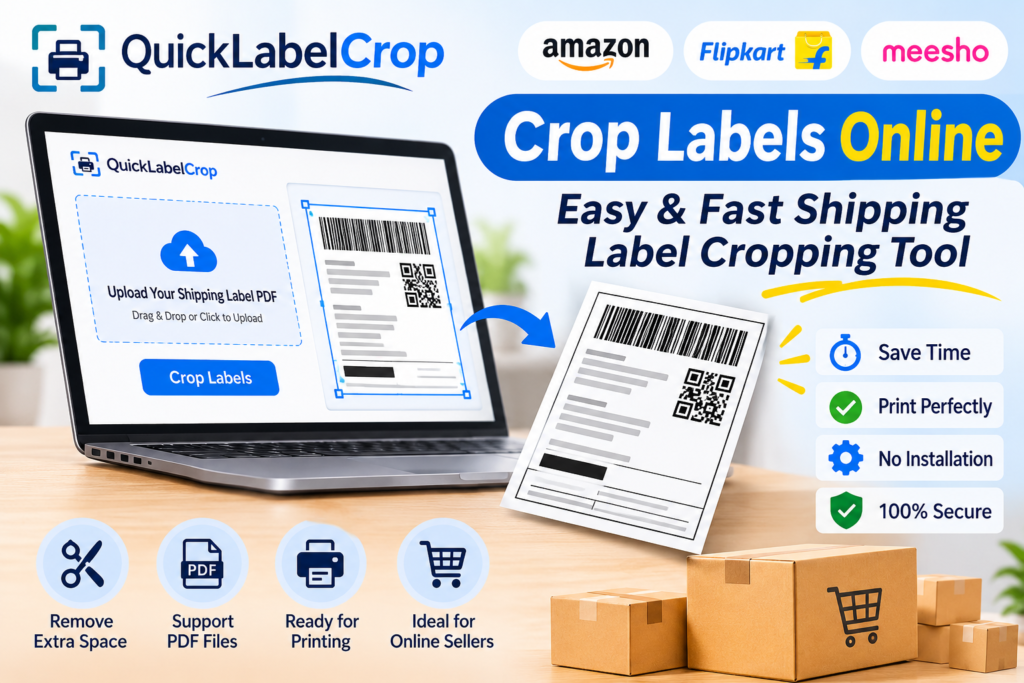
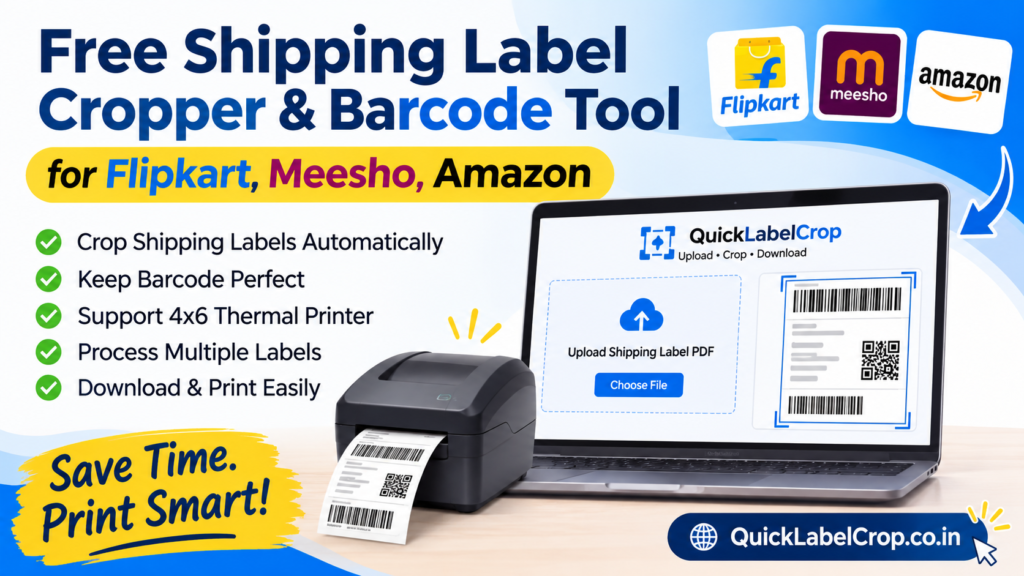
Managing shipping labels is an important part of running an online business. Whether you sell products on Flipkart, Meesho, Amazon, or other e-commerce marketplaces, preparing shipping labels correctly is essential for smooth order processing and timely delivery. Every online seller needs to download shipping labels, crop them into the correct size, check barcodes, and print them properly before handing parcels to the courier partner.
However, handling multiple shipping labels manually can take a lot of time. Sellers often receive PDF files containing multiple shipping labels, invoices, and order details. Printing these files without proper formatting can waste thermal printer paper, create unnecessary margins, and make the barcode difficult to scan. This is where a Free Shipping Label Cropper & Barcode Tool becomes useful.
A shipping label cropper helps online sellers automatically crop, organize, and prepare shipping labels for printing. Instead of manually editing every PDF page, sellers can use an online tool to process their shipping documents quickly and conveniently.
QuickLabelCrop is designed to make shipping label processing easier for Flipkart, Meesho, and Amazon sellers. It helps simplify the process of cropping shipping labels, preparing barcode areas, and creating printer-friendly label PDFs.
Whether you manage a small online store or process hundreds of orders every day, a reliable shipping label crop tool can help improve your daily workflow.
What Is a Free Shipping Label Cropper?
A free shipping label cropper is an online tool that helps sellers remove unnecessary spaces and unwanted sections from shipping label PDFs. It prepares labels in a suitable format for printing through thermal printers or regular printers.
E-commerce platforms generate shipping labels with important information such as:
-
Customer name and delivery address
-
Seller information
-
Order ID and shipment ID
-
Courier partner details
-
Tracking number
-
Barcode and QR code
-
Package information
-
Shipping instructions
When sellers download shipping label PDFs, the document layout may not always match their printer requirements. Some labels contain extra margins, multiple sections, or large blank spaces.
A shipping label cropper helps organize these documents by cropping the required label area and preparing it for printing.
With an online shipping label cropper, sellers can avoid complicated editing software and manage their shipping documents directly through a web browser.
What Is a Barcode Tool for Shipping Labels?
A barcode is one of the most important parts of an e-commerce shipping label. It contains encoded information that courier companies and logistics systems use to identify and track packages.
Every shipment generally has a unique barcode or tracking code. Courier partners scan this barcode at different stages of the delivery process.
A barcode tool for shipping labels helps sellers prepare documents in a way that keeps barcode areas properly positioned and suitable for printing.
A good shipping label processing workflow should help ensure that:
-
The barcode remains visible.
-
The barcode is not accidentally cropped.
-
Tracking information stays readable.
-
The label is printed at an appropriate size.
-
The barcode has sufficient surrounding space.
-
The printed document is suitable for scanning.
It is important to understand that cropping a shipping label does not automatically generate or repair a barcode. The original barcode information should be preserved during PDF processing.
Free Shipping Label Cropper for Flipkart Sellers
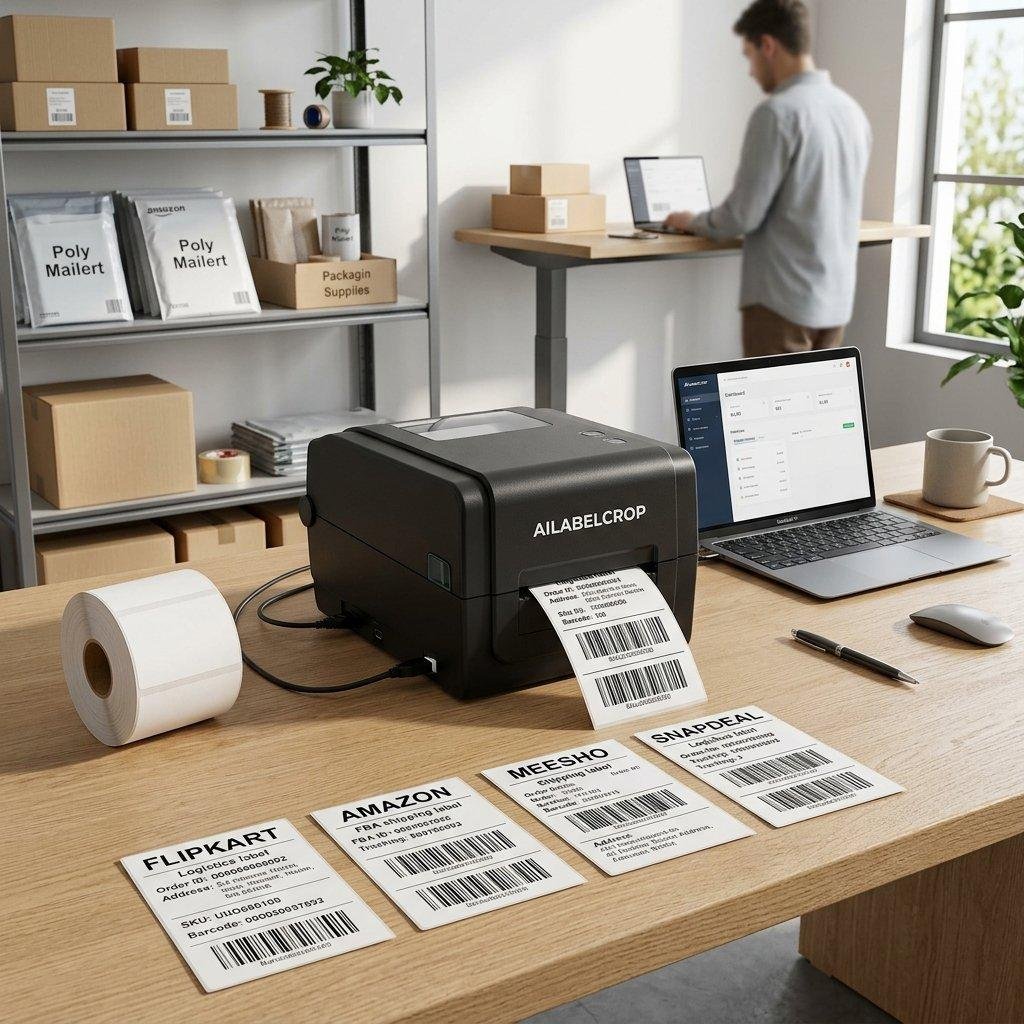
Flipkart is one of India’s popular online marketplaces, providing opportunities for sellers to reach customers across different locations. As order volume increases, managing shipping labels becomes an important part of daily operations.
Flipkart sellers regularly download shipping labels for their orders. Preparing these labels manually can become difficult, especially when multiple orders need to be processed together.
A free Flipkart shipping label cropper helps sellers prepare downloaded PDF labels without manually editing every page.
Using an online cropping tool, sellers can:
-
Upload Flipkart shipping label PDF files.
-
Crop unnecessary blank areas.
-
Prepare labels for thermal printing.
-
Maintain important shipment information.
-
Keep barcodes visible and readable.
-
Process multiple labels more conveniently.
-
Download processed PDF documents.
For sellers using 4×6 thermal printers, correctly formatted shipping labels can make the printing process more convenient.
Instead of adjusting every page individually, sellers can use a suitable PDF cropping workflow to save time and reduce repetitive work.
Free Shipping Label Cropper for Meesho Sellers
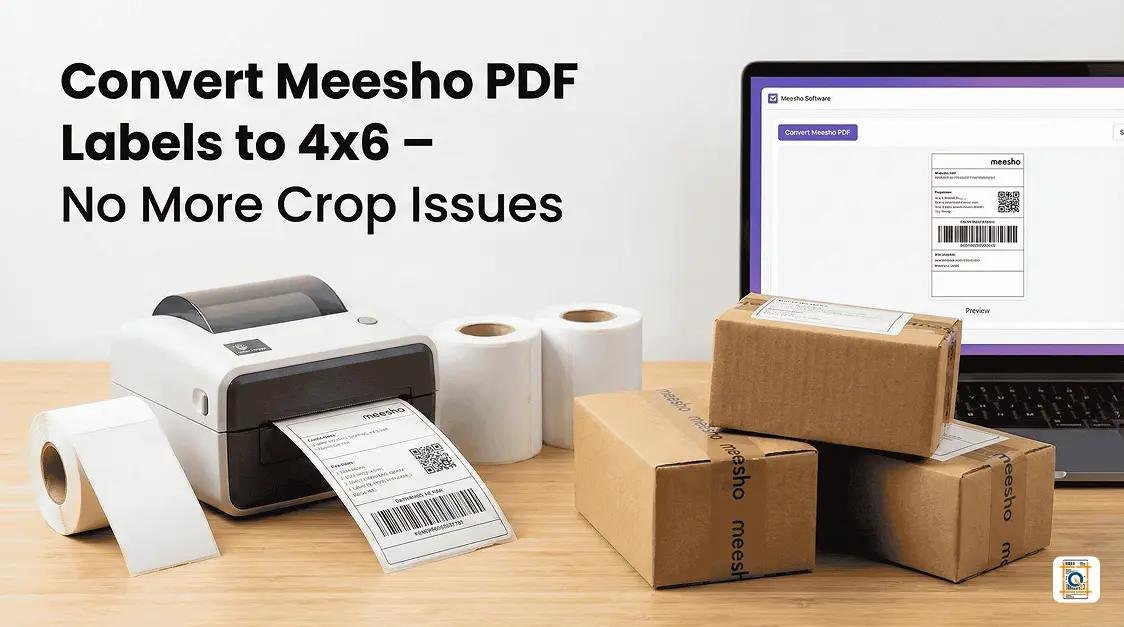
Meesho provides an online marketplace where sellers can list and sell products across different categories. Sellers receive orders that need to be packed, labeled, and shipped through the assigned logistics network.
Managing Meesho shipping labels becomes challenging when there are many orders to process.
Sometimes, downloaded label PDFs contain extra blank spaces or layouts that are not convenient for small thermal printers. Manually cropping every label can increase the time required to prepare shipments.
A Meesho shipping label crop tool helps simplify this process.
With a free online Meesho label cropper, sellers can prepare their shipping PDFs for printing.
Important benefits include:
-
Easy PDF uploading.
-
Convenient label cropping.
-
Better use of thermal printer paper.
-
Organized shipping label documents.
-
Barcode visibility preservation.
-
Support for bulk label processing when available.
-
Faster preparation of daily shipments.
Whether you receive a few orders or manage a growing online store, a shipping label cropping tool can make your packaging workflow easier.
Free Amazon Shipping Label Cropper
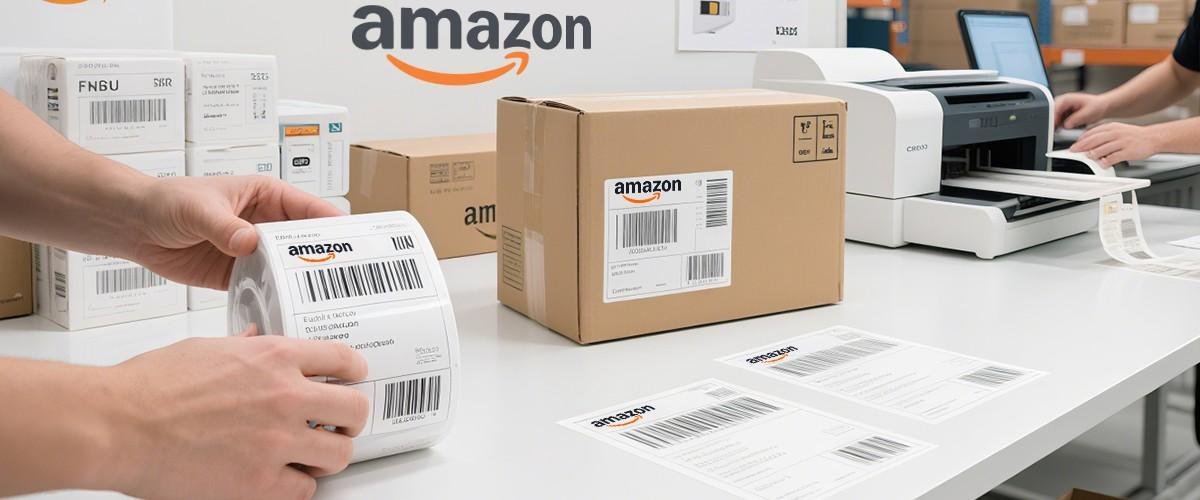
Amazon sellers need to manage shipping documents carefully to ensure that orders are dispatched correctly. Shipping labels contain important delivery and tracking information that helps logistics partners identify packages.
When sellers download Amazon shipping labels, they may need to adjust the PDF layout before printing.
An Amazon shipping label cropper makes this task easier by helping remove unwanted spaces and prepare the label document for printing.
Using an online Amazon label cropper, sellers can:
-
Upload Amazon shipping label PDFs.
-
Crop unwanted margins.
-
Prepare labels for thermal printers.
-
Preserve tracking numbers and barcodes.
-
Organize multiple shipping labels.
-
Download processed PDF files.
-
Reduce manual PDF editing work.
For sellers processing Amazon orders regularly, a simple cropping tool can improve the overall shipping preparation process.
Introducing QuickLabelCrop – Free Online Shipping Label Crop Tool
QuickLabelCrop is an online shipping label processing tool designed to make label preparation easier for e-commerce sellers.
The platform helps sellers work with shipping label PDF documents from marketplaces such as Flipkart, Meesho, and Amazon.
Instead of spending time editing individual PDF pages, sellers can use QuickLabelCrop to prepare their shipping labels through a simple online workflow.
The tool is useful for sellers who want a convenient way to crop shipping labels, organize PDF pages, and prepare documents for thermal printing.
Website: QuickLabelCrop – Free Shipping Label Cropper
The platform aims to simplify shipping label management for individual sellers, small businesses, and high-volume e-commerce operations.
Key Features of a Shipping Label Cropper and Barcode Tool
A useful shipping label cropper should offer features that make everyday shipping operations easier.
Easy PDF Upload
Uploading a shipping label PDF should be simple and convenient. Sellers should be able to select their downloaded shipping documents directly from their computer.
An easy upload process reduces unnecessary steps and makes the tool suitable for beginners as well as experienced sellers.
Automatic Shipping Label Cropping
Automatic cropping helps remove unnecessary blank spaces and unwanted margins from shipping label documents.
This feature is particularly helpful when working with multiple PDF pages. Instead of manually adjusting each page, sellers can process their documents through an automated cropping workflow.
Barcode-Friendly Label Processing
Barcodes are essential for shipment identification and tracking. A shipping label cropper should preserve the original barcode and avoid cutting off important barcode sections.
Proper cropping helps maintain the barcode’s position and readability when printed.
4×6 Thermal Printer Support
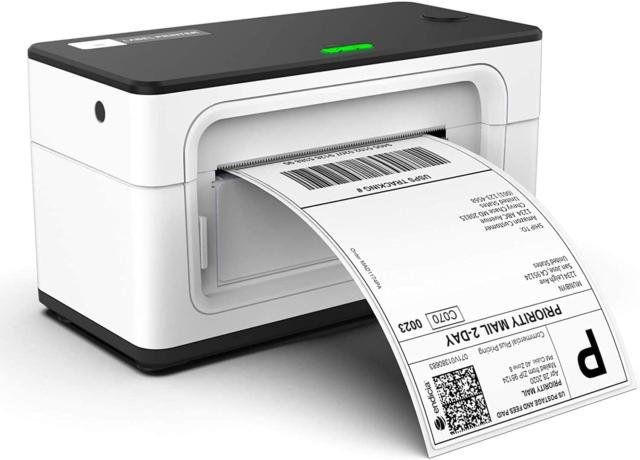
Many Indian e-commerce sellers use 4×6 thermal printers because they are convenient for printing shipping labels.
A suitable shipping label cropper can help prepare documents for this label size.
Benefits of using a 4×6 thermal printer include:
-
Convenient label printing.
-
Compact shipping labels.
-
Reduced dependence on traditional paper sheets.
-
Faster printing for daily orders.
-
Easy integration into packaging workflows.
The final print size should always be checked before printing to ensure the label matches your printer settings.
Bulk Shipping Label Processing
Sellers who receive multiple orders every day need a faster way to prepare their shipping labels.
Bulk processing allows multiple labels or PDF pages to be handled together, depending on the tool’s supported functionality.
This can help reduce repetitive work and make order dispatch more organized.
Multiple PDF Page Support
Shipping label files may contain several pages. A useful cropper should make it easier to process documents containing multiple labels.
Multiple-page PDF support is helpful for sellers who download shipping documents in batches.
Easy PDF Download
After cropping, sellers should be able to download the processed PDF file directly to their computer.
The downloaded document can then be opened and printed using a compatible printer.
Simple User Interface
A simple interface makes the tool easier to understand.
Sellers should not need advanced technical knowledge or professional PDF editing experience to prepare their shipping labels.
How to Use QuickLabelCrop for Shipping Labels
Using an online shipping label cropper is generally a straightforward process. Follow these steps to prepare your shipping label PDF.
Open the QuickLabelCrop Website
First, open your preferred web browser on your computer or laptop.
Visit the official QuickLabelCrop website:
Once the website opens, navigate to the shipping label cropping tool.
Download Your Shipping Label PDF
Log in to your respective seller account, such as Flipkart Seller Hub, Meesho Supplier Panel, or Amazon Seller Central.
Find your orders and download the required shipping label PDF.
Make sure you select the correct shipping documents for the orders you want to dispatch.
Upload Your PDF File
Open QuickLabelCrop and select the PDF upload option.
Choose the shipping label PDF file from your computer.
Wait for the document to upload and load properly.
Configure Cropping Options
Select the available cropping or processing settings according to your requirements.
If the tool offers different label formats or printing options, choose the settings compatible with your thermal printer.
Always ensure that important shipment details and barcodes remain inside the cropped area.
Start the Cropping Process
After selecting the required settings, start the cropping process.
The tool will process the supported PDF pages according to the selected options.
Check the resulting document to ensure that labels are properly positioned and important information is visible.
Download the Cropped Shipping Label PDF
Once processing is complete, download the cropped PDF document.
Save it to your computer so that you can access it whenever required.
Print Your Shipping Labels
Open the processed PDF file and select your thermal printer.
Check the paper size, orientation, scaling, and print preview before printing.
For a 4×6 thermal printer, select the correct label dimensions and avoid unwanted scaling.
Your shipping labels are now ready for the packaging process.
Why E-Commerce Sellers Need a Shipping Label Cropper
Shipping label management may seem like a small task, but it becomes an important part of business operations when order volume increases.
Manually editing PDF files can create unnecessary delays. Sellers may need to crop pages, adjust printing settings, remove blank spaces, and organize documents before dispatching orders.
A shipping label cropper helps reduce these repetitive activities.
Saves Time: Sellers can spend less time manually editing individual PDF pages.
Improves Workflow: A more organized label preparation process makes daily packaging operations easier.
Convenient Printing: Properly cropped labels can be easier to print using compatible thermal printers.
Reduces Paper Waste: Removing unnecessary blank areas can help make better use of the available printing space.
Simplifies Bulk Orders: Batch processing features, where supported, can help sellers handle multiple shipping labels together.
Easy to Use: Online tools make shipping label processing accessible without installing complicated editing software.
Better Document Management: Processed PDF files can be saved and organized for printing when required.
Shipping Label Cropper for 4×6 Thermal Printers
A 4×6 thermal printer is a popular choice among online sellers because it prints shipping labels in a compact format.
Unlike traditional A4 printers, thermal printers are designed to print labels directly onto compatible thermal paper.
However, the PDF layout must match the printer’s supported label size.
When shipping label PDFs contain extra margins or unwanted spaces, the printed output may not use the available label area effectively.
A shipping label cropper helps prepare documents for a more convenient printing experience.
Before printing, sellers should check:
-
Printer paper size.
-
Label orientation.
-
PDF page dimensions.
-
Barcode visibility.
-
Shipping address readability.
-
Print scaling settings.
-
Thermal paper compatibility.
Choosing the correct settings helps avoid printing errors and unnecessary label reprints.
Common Shipping Label Printing Problems and Their Solutions
Even experienced sellers sometimes face problems while printing shipping labels. Understanding these problems can help prevent delays during order dispatch.
Shipping Labels Print Too Large
This problem may occur when the PDF page size does not match the printer’s label size.
Solution: Check your printer settings and select the appropriate paper dimensions. Use a suitable cropping tool to prepare the PDF if necessary.
Shipping Labels Print Too Small
Incorrect scaling settings can cause shipping labels to appear smaller than expected.
Solution: Check the print preview and select the appropriate scaling option. Avoid unnecessary fit-to-page adjustments when they change the required label dimensions.
Barcode Gets Cut During Printing
A barcode may become partially cut if the label is cropped incorrectly or the printer alignment is incorrect.
Solution: Ensure the complete original barcode area is included in the cropped document. Check the print preview before printing.
Extra Blank Space Appears
Some shipping PDFs contain large margins or blank areas that use unnecessary printing space.
Solution: Use an appropriate PDF cropper to remove unwanted margins while preserving all required shipping information.
Multiple Labels Are Difficult to Manage
When sellers process many orders, managing separate PDF documents can become time-consuming.
Solution: Use bulk PDF processing features when supported, and organize downloaded labels into clearly named folders.
Barcode Is Not Scanning
Barcode scanning problems may happen because of low print quality, incorrect scaling, damaged labels, or incomplete barcode information.
Solution: Check the original barcode, print settings, printer quality, and label condition. Do not stretch or distort the barcode while cropping.
Who Can Use a Free Shipping Label Cropper?
A shipping label cropper is useful for different types of e-commerce businesses.
Small Online Sellers: Individuals selling products through Flipkart, Meesho, and Amazon can prepare shipping labels more conveniently.
Home-Based Businesses: Sellers operating from home can simplify their packaging and dispatch activities.
Wholesale Sellers: Businesses handling multiple customer orders can use suitable PDF processing tools to organize shipping documents.
E-Commerce Agencies: Teams managing multiple seller accounts can benefit from a more organized label preparation workflow.
Marketplace Sellers: Businesses selling across different marketplaces can use platform-specific shipping label processing options where supported.
Warehouse Operators: Packaging teams can use label cropping tools to prepare shipment documents for daily dispatch operations.
Tips for Better Shipping Label Management
Managing shipping labels properly can help improve order processing and reduce avoidable printing problems.
Keep your downloaded shipping PDFs organized according to marketplace and order date.
Always check that the shipping address, order ID, and tracking barcode are visible.
Use compatible thermal paper for your printer.
Avoid changing the original barcode dimensions.
Check the PDF preview before printing large batches.
Keep your printer clean and maintain it regularly.
Use a stable internet connection when processing online PDF files.
Download the processed documents and verify them before dispatching orders.
Do not share shipping PDFs containing customer information with unauthorized people.
These simple practices can help make your shipping workflow more efficient.
QuickLabelCrop vs Manual Shipping Label Cropping
Manual PDF cropping requires sellers to open editing software, select individual pages, adjust margins, and save the documents again.
This process may be manageable for a few orders, but it can become difficult when handling many shipments.
An online shipping label cropper offers a more convenient alternative.
| Feature | Manual Cropping | Online Label Cropper |
|---|---|---|
| PDF editing | Individual adjustments | Supported automated processing |
| Time required | Can be higher | Can be lower |
| Bulk processing | Depends on software | Depends on tool features |
| Barcode handling | Manual checking | Requires preview verification |
| Installation | Editing software may be needed | Browser-based access |
| Printing preparation | Manual settings | Supported cropping options |
The right solution depends on your order volume, printer requirements, and available software features.
Importance of Barcode Accuracy in E-Commerce Shipping
Barcodes play an important role in modern logistics operations.
When a package enters the courier network, its barcode helps identify the shipment and connect it with the relevant tracking information.
Courier partners scan the barcode at different checkpoints, including pickup, sorting facilities, transit hubs, and delivery locations.
If the barcode is damaged or difficult to scan, the shipment may require additional handling.
That is why sellers should pay attention to barcode quality while preparing shipping labels.
Here are some important barcode printing practices:
-
Keep the complete barcode visible.
-
Avoid cutting barcode edges.
-
Use suitable thermal printing quality.
-
Maintain proper barcode proportions.
-
Avoid stretching the original barcode.
-
Check printed labels before attaching them.
-
Keep labels clean and free from damage.
A good shipping label cropper should help preserve the original barcode area rather than modify its encoded information.
Benefits of Using an Online Shipping Label Cropper
Online shipping label cropper tools provide convenience for sellers who want to manage their documents without installing additional software.
Users can access browser-based tools from compatible computers and laptops.
Some important benefits include:
No Complicated Installation: Online tools can be accessed through a web browser.
Simple Workflow: Upload, process, and download shipping label PDFs through a convenient interface.
Marketplace Convenience: Sellers can prepare documents from Flipkart, Meesho, and Amazon, subject to supported PDF formats.
Flexible Working: Sellers can process shipping labels whenever they need to prepare orders.
Better Printing Preparation: Cropped PDFs can help simplify the process of printing labels using compatible printers.
Suitable for Growing Businesses: Efficient document preparation becomes increasingly useful as order volume increases.
Why Choose QuickLabelCrop?
QuickLabelCrop aims to provide a convenient shipping label processing experience for Indian e-commerce sellers.
The platform focuses on making everyday shipping document preparation easier and more accessible.
Whether you are processing Flipkart orders, Meesho shipments, or Amazon deliveries, QuickLabelCrop provides an online destination for working with shipping label PDFs.
Reasons sellers may find it useful include:
-
Online access through a browser.
-
Convenient shipping PDF processing.
-
Support for marketplace shipping label workflows.
-
Label cropping functionality.
-
Barcode-friendly document preparation.
-
Printing-focused PDF processing.
-
A simple approach to shipping label management.
The exact features and processing limits depend on the options currently available on the website.
Visit the platform to explore its available tools:
Explore QuickLabelCrop Online
The Future of Shipping Label Management
E-commerce businesses are growing rapidly, and sellers need efficient systems to manage their daily operations.
From receiving orders to packaging products and handing parcels to courier partners, every stage requires proper organization.
Shipping label processing is one area where automation can make a meaningful difference.
Online PDF processing tools, bulk document management, barcode-friendly printing, and automated cropping workflows can help sellers reduce repetitive tasks.
As marketplace order volumes increase, sellers will continue looking for simple solutions that improve their daily packaging processes.
Tools such as QuickLabelCrop aim to make these activities easier through convenient browser-based workflows.
Frequently Asked Questions (FAQs)
What is a free shipping label cropper?
A free shipping label cropper is an online tool that helps sellers crop shipping label PDF files, remove unnecessary margins, and prepare documents for printing.
Can I crop Flipkart shipping labels online?
Yes. You can use a compatible online shipping label cropper to prepare Flipkart shipping label PDFs for printing.
Is there a shipping label cropper for Meesho?
Yes. Online PDF cropping tools can help Meesho sellers prepare downloaded shipping label documents by removing unwanted spaces and adjusting the layout.
Can I use a shipping label cropper for Amazon?
Yes. You can use a compatible shipping label cropper to process Amazon shipping label PDFs and prepare them for printing.
What is the best shipping label cropper for 4×6 printers?
A suitable tool should support the required PDF format, provide appropriate cropping options, and help prepare documents for 4×6 thermal printing. QuickLabelCrop is an option to explore.
Does cropping a shipping label change the barcode?
Cropping should only change the visible page area. It should not modify the barcode data. Always ensure the complete barcode remains visible after processing.
Can I process multiple shipping labels together?
Some shipping label cropping tools provide bulk or multiple-page PDF processing. Availability depends on the tool and its current features.
Do I need to install software to crop shipping labels?
No. Browser-based shipping label cropping tools can be accessed online without installing traditional PDF editing software.
Can I use QuickLabelCrop on my laptop?
Yes. You can open the QuickLabelCrop website through a compatible web browser on your laptop or desktop computer.
How can I download cropped shipping labels?
After uploading and processing your PDF, use the available download option to save the processed document to your device.
Is QuickLabelCrop useful for small sellers?
Yes. Small sellers can use shipping label processing tools to simplify daily PDF preparation and thermal printing.
Why should I check the barcode before printing?
The barcode contains important shipment identification information. Checking it helps ensure that the complete barcode is visible and suitable for scanning.
Conclusion
Managing shipping labels efficiently is essential for every online seller. Whether you sell on Flipkart, Meesho, or Amazon, preparing shipping PDFs correctly can make your daily packaging operations easier.
A free shipping label cropper and barcode tool helps reduce manual PDF editing, remove unnecessary margins, organize shipping documents, and prepare labels for compatible thermal printers.
Instead of spending additional time adjusting individual pages, sellers can use online tools to simplify their shipping label preparation process.
QuickLabelCrop provides an online solution for sellers who want a convenient way to process shipping label PDFs and prepare them for printing.
Whether you are a beginner or an experienced e-commerce seller, a simple shipping label cropping workflow can help you manage your orders more efficiently.